Work Order Management
Software
Know the status and the cost of each maintenance job. Facilities, maintenance, and property managers use one system to receive requests, assign work, plan preventive maintenance, and close each job with a full record.
See Work Order Management in Action
A look inside Work Order Management.
Each person chooses the look that they like in their own settings.
How This Serves You
What our work order management software does for you and for your team.
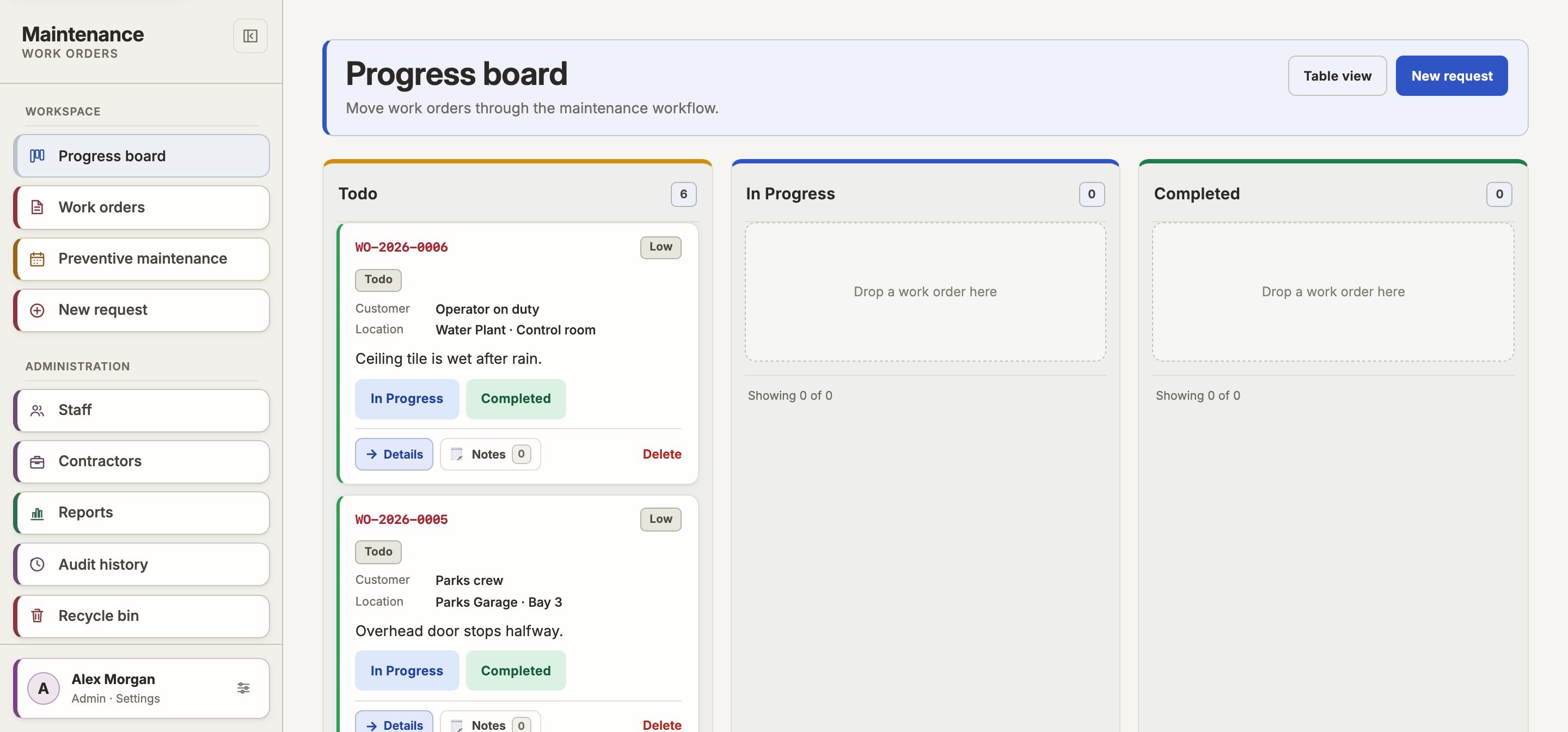
One board shows each open, active, and complete job. You get answers without a phone call to your crew.
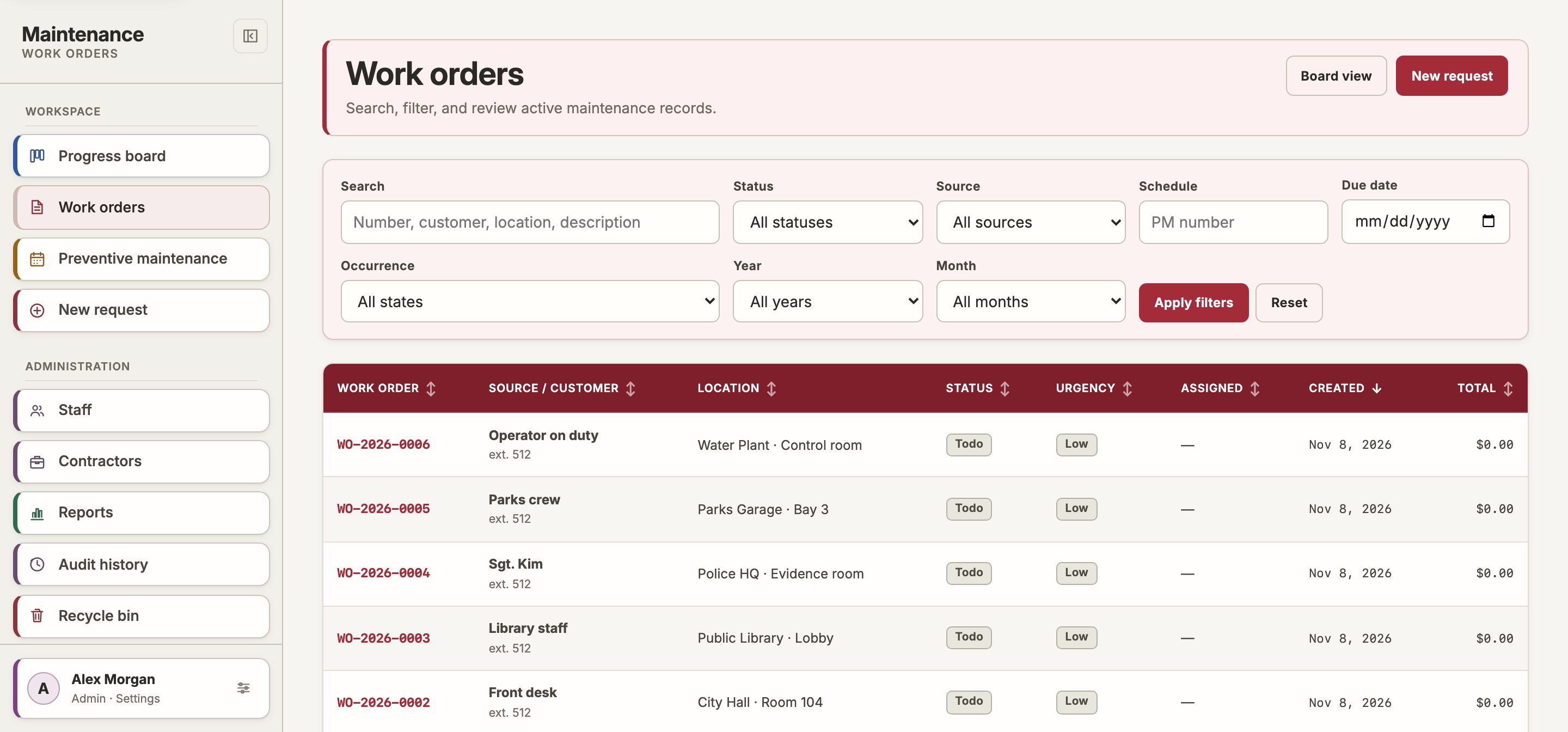
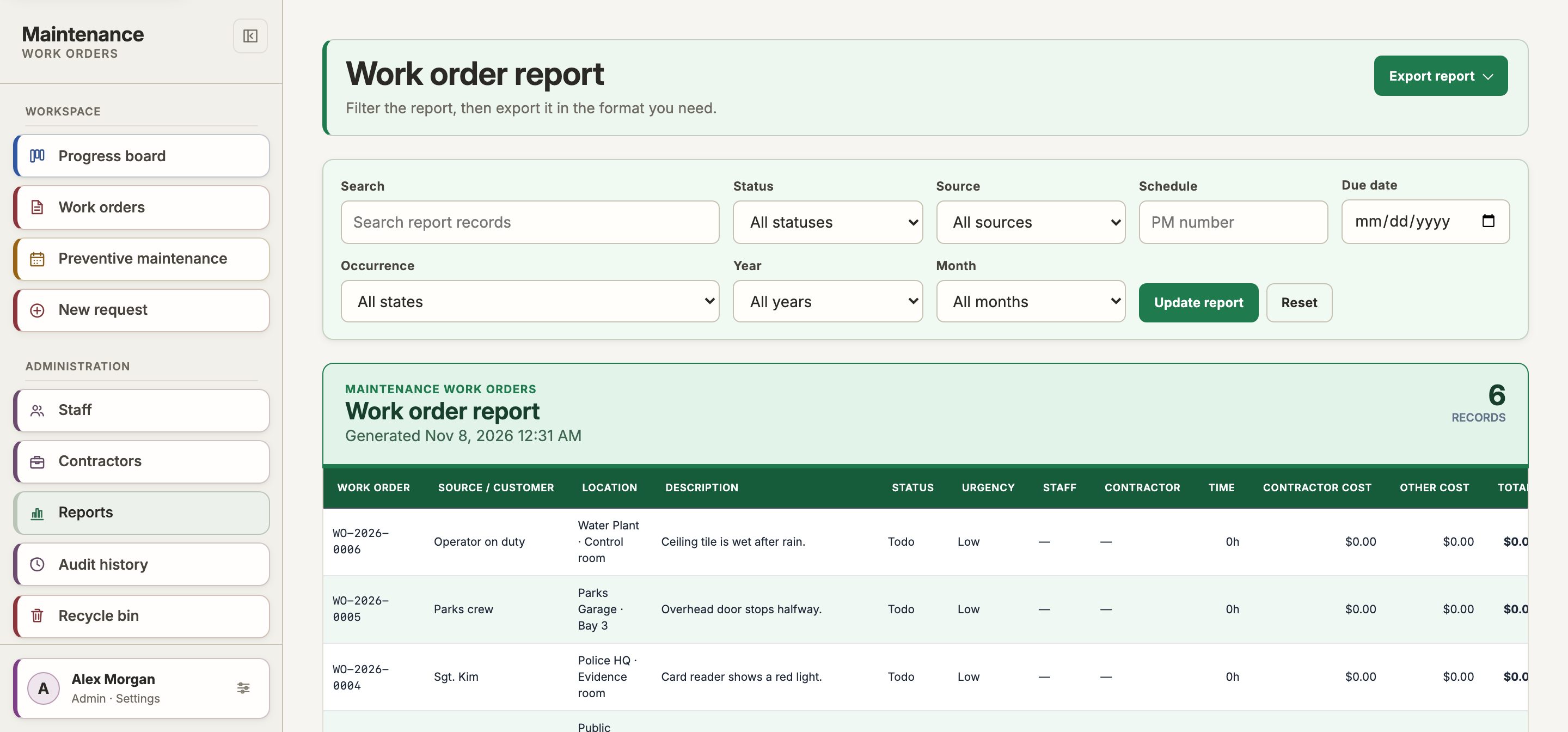
Record the labor hours, contractor costs, and other costs for each job. Reports show where your budget goes.
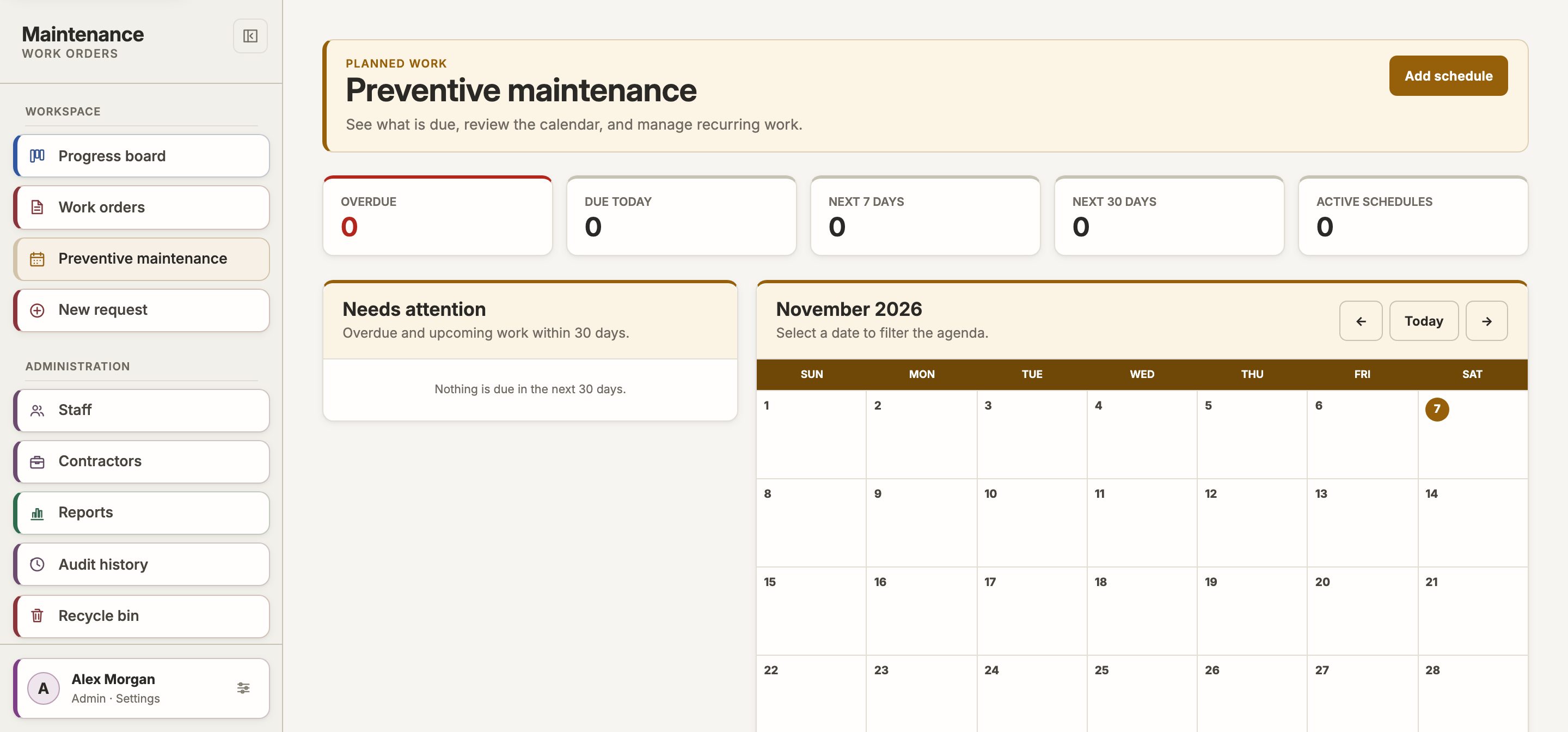
Set a maintenance schedule one time. The system creates each work order when it is due.
Staff, tenants, and the public send requests from one link. They do not need an account.
Export reports to PDF or CSV for budget reviews, council meetings, and grant applications.
The system records who changed each job, and when. Auditors get read-only access to all records.
How It Works
Three steps from request to completion.
All people on your team or in your organization can send a request in seconds, from the field or the office.
Managers and technicians see all current work requests on one dashboard.
Mark the job complete. The system keeps a permanent record with timestamps, notes, and the full history.
Use It With the Rest of ATD
All ATD management software uses one sign-in and one bill. Add a product from your dashboard when you need it.
Questions About Work Order Management
What is work order management software?
Work order management software keeps each maintenance job in one place. Staff send a request. A manager assigns the work. The technician records the labor and the cost, then closes the job. You keep a full record of each job.
Is ATD Work Order Management a CMMS?
Yes. A CMMS (computerized maintenance management system) receives maintenance requests, tracks work orders, plans preventive maintenance, and reports on cost. ATD Work Order Management does these tasks. It is made for facilities and maintenance teams that do not want a complex enterprise system.
Can people send a request without an account?
Yes. Staff, tenants, and the public can send a maintenance request from one link. They do not need an account. Your team sees each request on the progress board.
Does it plan preventive maintenance?
Yes. Set a schedule one time, for example each month or each year. The system creates each work order when it is due, so routine maintenance is not forgotten.
How much does it cost?
$40 per user each month, or $40 each month with yearly billing. You can buy 3 to 10 users on this site. For more users, we set up a custom order. Calculate your price.
Can organizations in Canada use it?
Yes. We serve organizations in the United States and Canada. The price is the same, in US dollars.
How does it compare? Read ATD Work Order Management vs UpKeep, our own comparison.
Ready to start?
$40 per user each month, or $40 each month with yearly billing. No setup fees and no long-term contract.